 FAP Tracker on DHIS2
What it does
Everything a field worker needs for a day of home visits, on the phone, with the programme's own forms and rules.
Works offline
The records you need are on the phone. Register families and record visits where there is no signal, then sync when you have one.
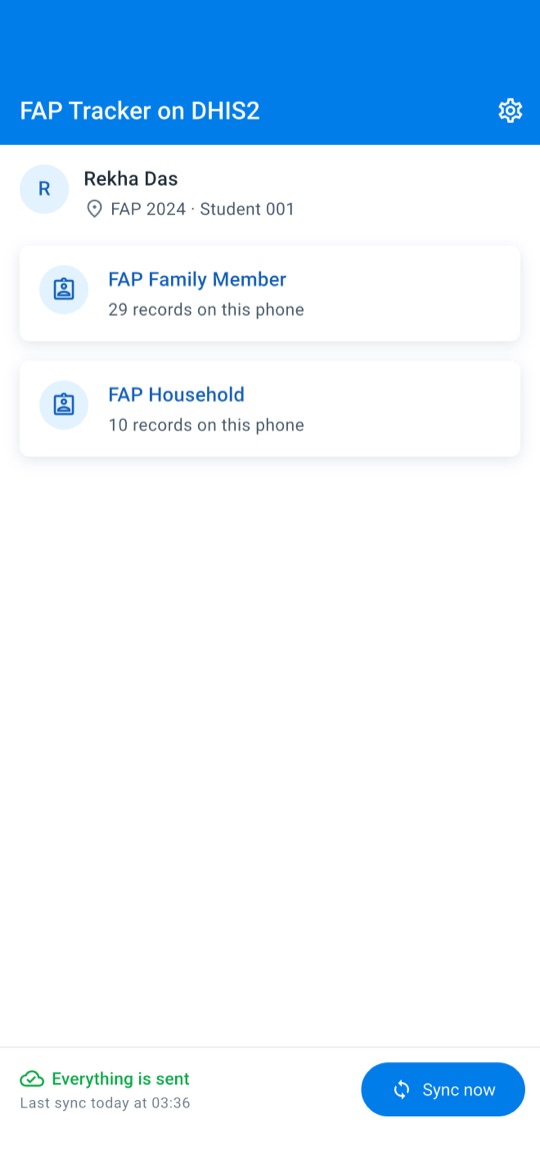
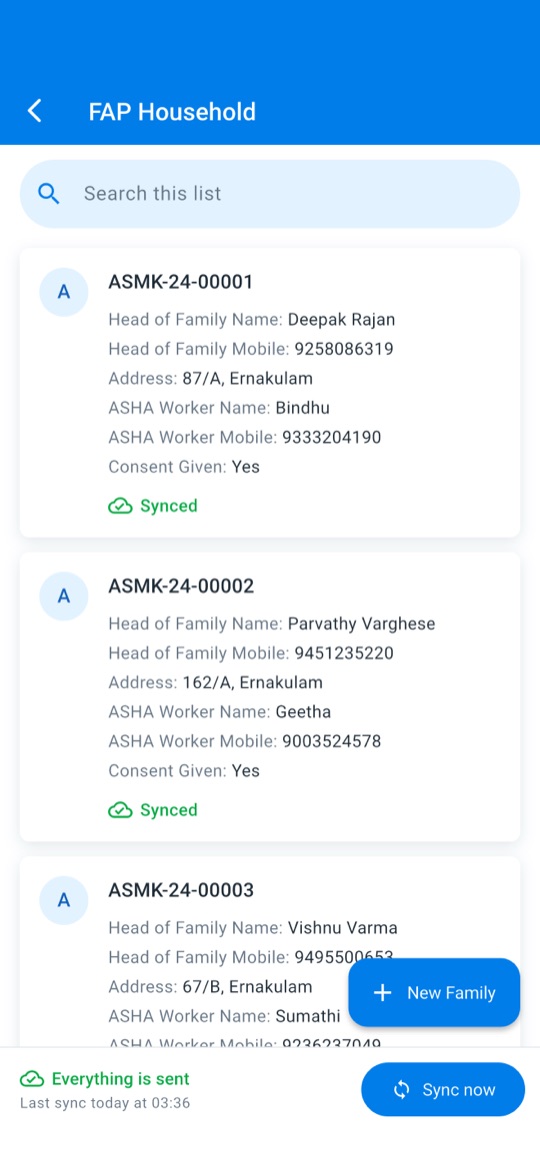
Households and members
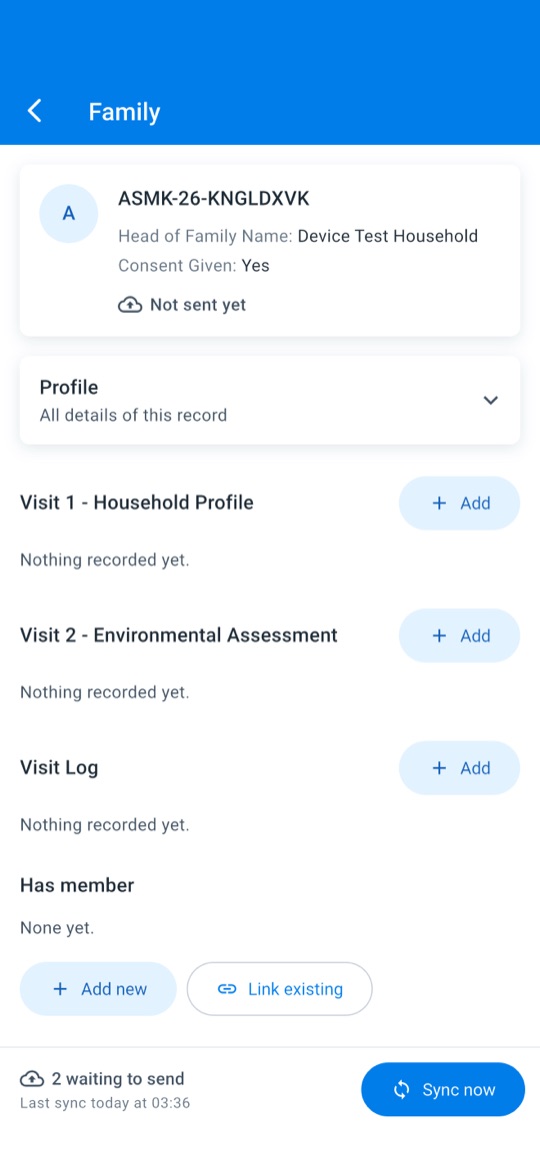
Register a household, add its members and link them to it, as your programme's relationships define.
Visits and assessments
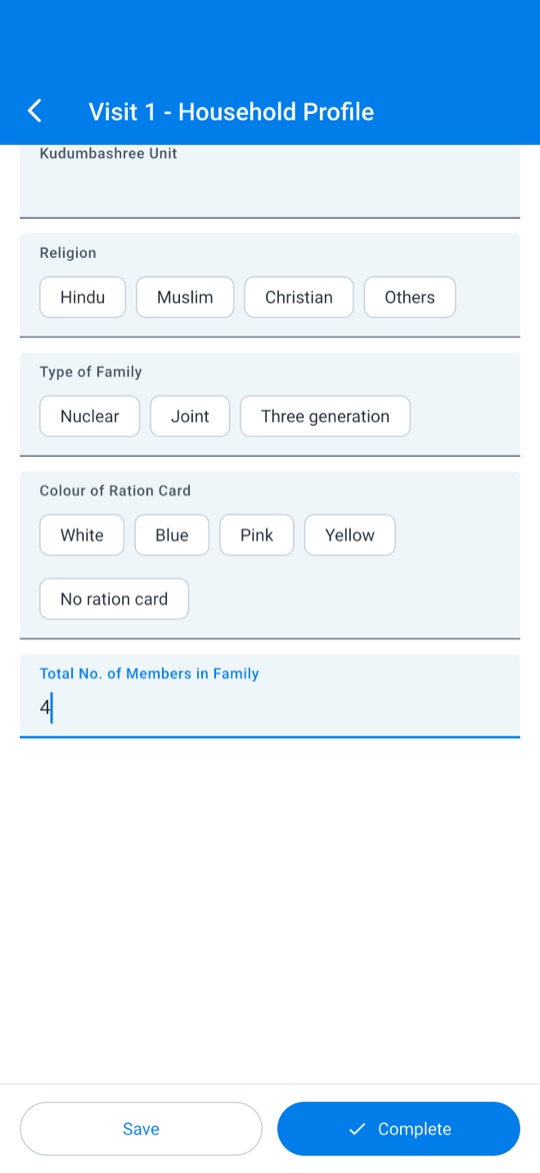
Fill in your programme's forms. Its own rules show the right fields and check the values you enter.
Photos for a field
Take or choose a photo, such as a signed consent form. Its location and camera details are removed before it is kept.
Private by design
Records are encrypted on the phone, kept out of backups, and open only with the phone's own passcode, face or fingerprint.
Clear about syncing
Every record shows whether it has reached the server. When the server refuses something, the app says so in plain words.
Any DHIS2 tracker programme
The app reads programmes, forms and rules from your DHIS2 server, so it can serve other programmes too.
Sign in your way
Use your username and password, or Apple, Google or Microsoft when your server is set up for them.
A look at the app
Screens from the app with sample data.
How it works
- Get an account
Your programme's administrator creates it on your DHIS2 server. - Sign in
Enter the server address, or scan its QR code, and your username and password. - Record
Register households and members and record visits, online or offline. - Sync
Tap Sync now to send your records and receive your team's changes.
Questions
The support page answers common questions. The privacy policy explains what the app does with information, and you can ask for your account to be deleted at any time.